
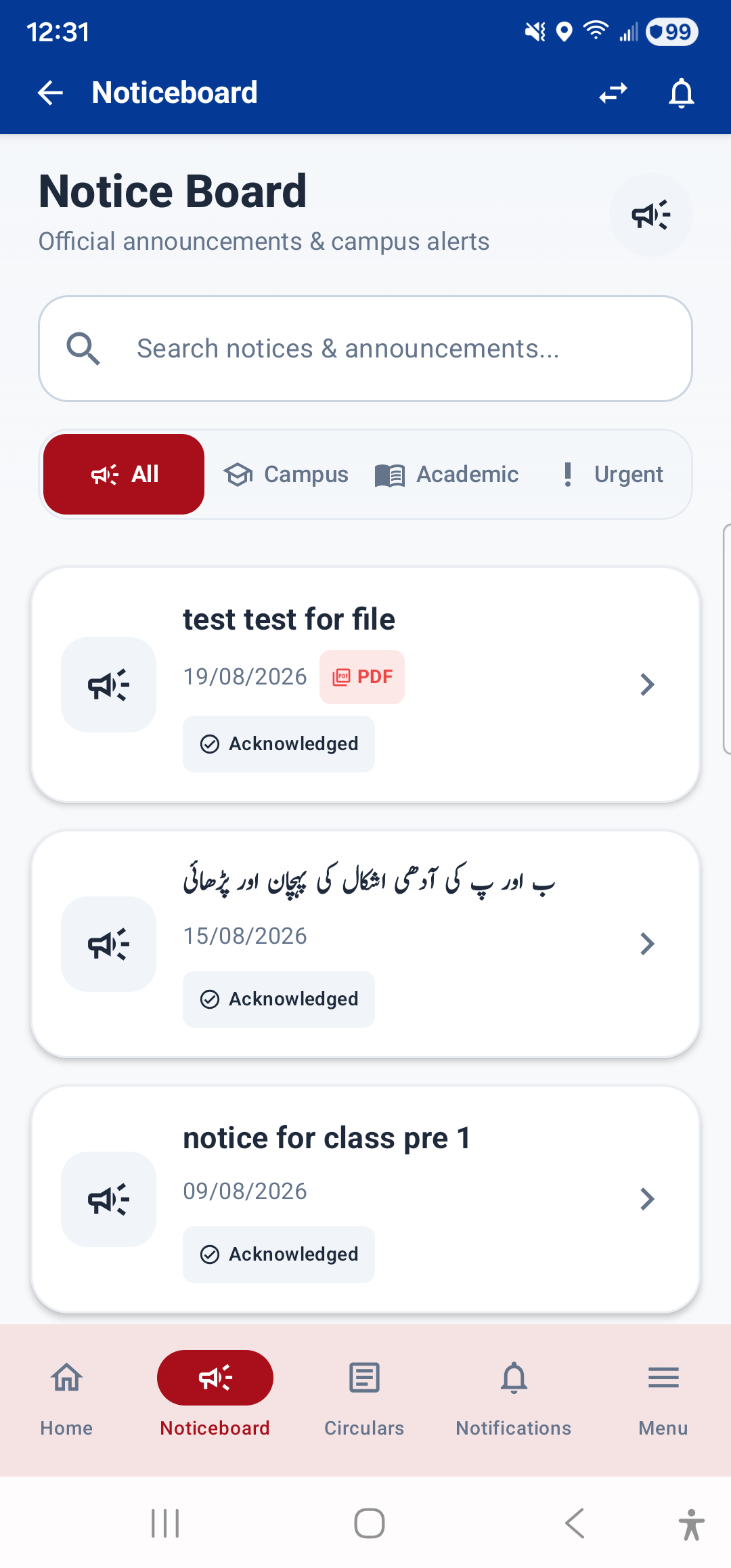
The Noticeboard is one of the five bottom navigation tabs and shows all notices published by the school. It is also accessible from Menu → Communication → Noticeboard.
What You See
- Notice Cards: Each notice is shown as a card with:
- Title of the notice
- Priority badge: Normal, High, or Urgent (urgent notices have a pulsing red dot)
- Notice type: General, Academic, Administrative, Urgent, Event, Holiday, Exam, etc.
- Pinned badge: If the notice is pinned to the top
- Published date
- Excerpt: A short preview of the notice content
- Attachments: If a notice has an attached file (PDF or image), an attachment card appears at the bottom. Tap it to open the file in the in-app viewer.
Reading a Notice
Tap any notice card to open it and read the full content. The detail view shows the complete notice text, all attachments, and metadata like the target audience and author.
Dashboard Widget
The Dashboard's Announcements widget shows the latest few notices, so you can quickly see what's new without opening the full Noticeboard.
---